One shared plan with your buyer, synced with Salesforce.
Stop emailing spreadsheets back and forth. Share a live close plan with every stakeholder, work the tasks together, and keep the opportunity in Salesforce up to date without retyping a thing.
Your close plan lives in a spreadsheet. Your deal lives in Salesforce.
Every week, for every deal, the same loop repeats, and the plan is out of date the moment it is sent.
1
You email the plan as Excel
A static file, copied out of Salesforce and sent to the buyer.
2
It comes back with their edits
New versions, new comments, and no single source of truth.
3
Every change is retyped into Salesforce
Admin work for the rep, and a forecast built on stale data.
SEE IT IN ACTION
A first look at your mutual close plan
From the plan in Salesforce to one shared plan with your buyer, in under two minutes.
HOW IT WORKS
Three steps from Salesforce to a plan your buyer actually uses
STEP 1 · IMPORT
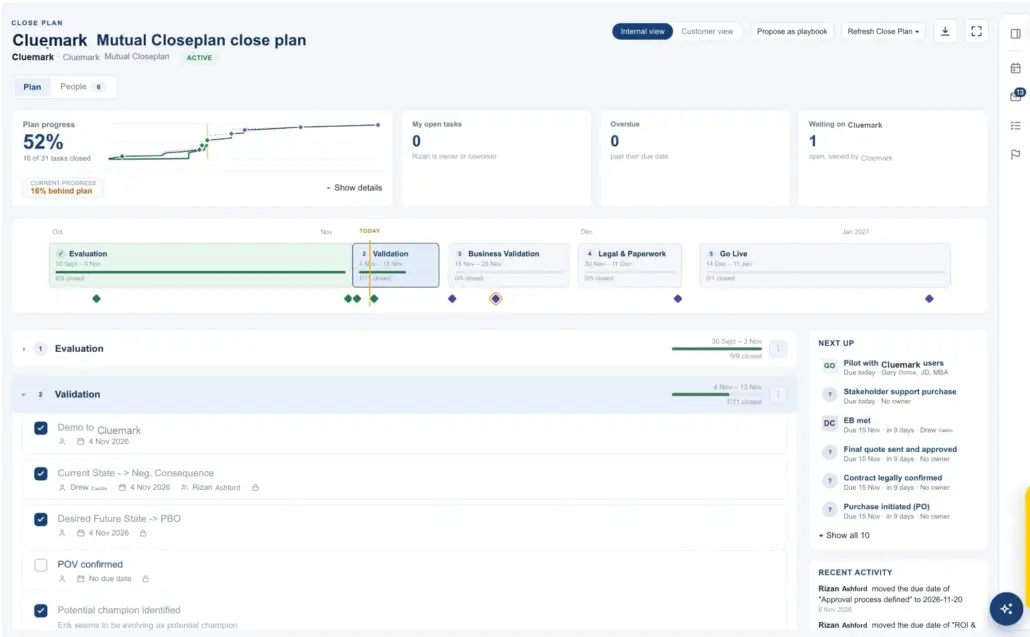
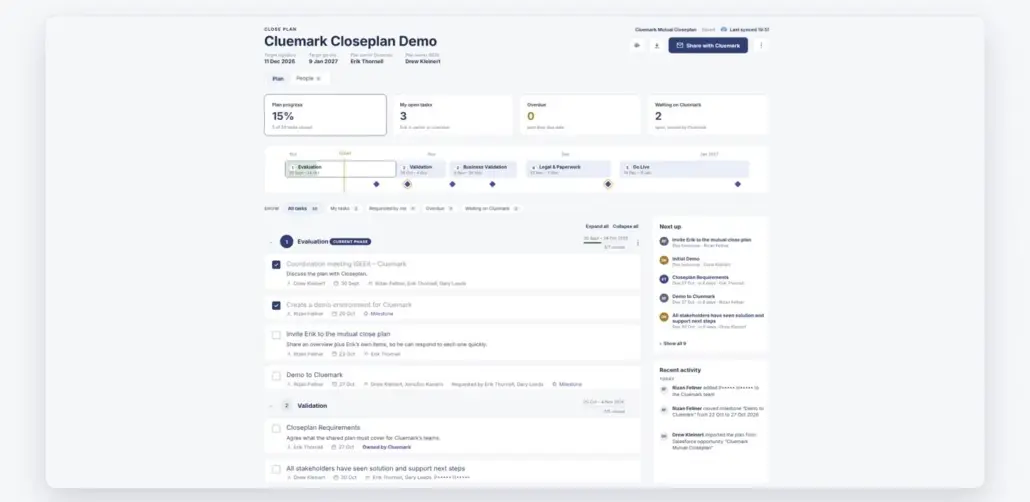
Start from the plan already in Salesforce
Your close plan already lives on the opportunity. Import it into iSEEit in one click, and your Salesforce plan becomes one shared plan, with phases, milestones and owners intact.
STEP 2 · INVITE
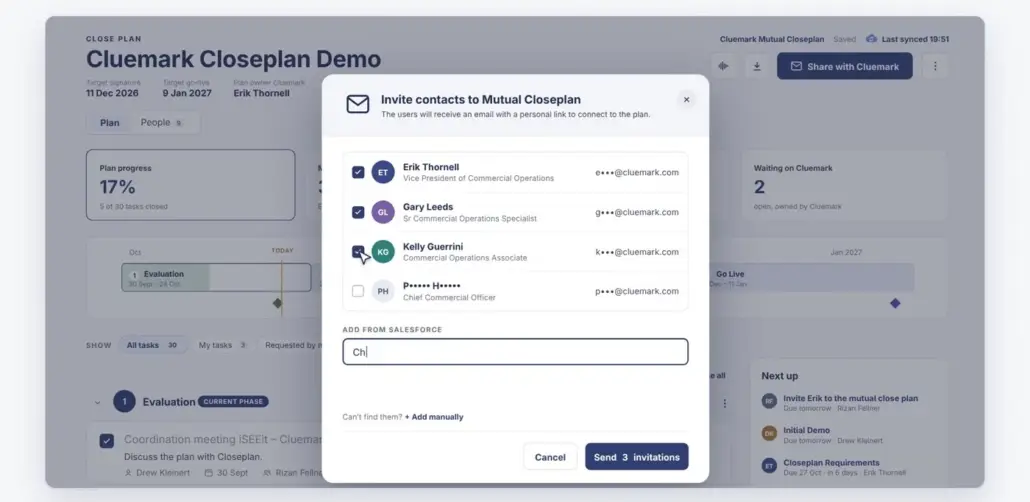
One click, a personal link for each stakeholder
Pick contacts straight from Salesforce and send the invitations. Each person gets their own link, and everyone on their team sees what is theirs to do.
STEP 3 · WORK IT TOGETHER
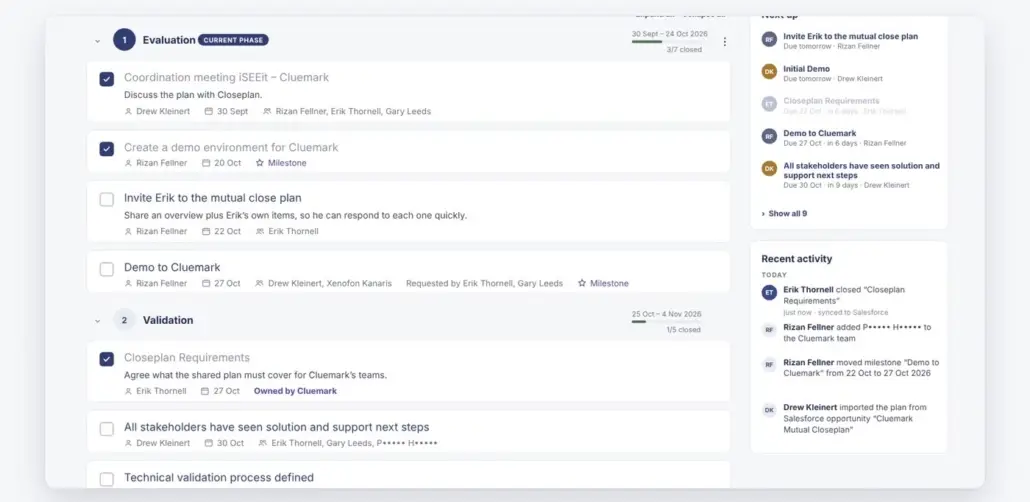
Update tasks, comment and ask questions in one place
Milestones you cannot miss, what is next, and what has been done recently. Both sides work in the same live plan instead of trading versions.
BUILT FOR SALESFORCE
Everything stays in sync, nothing slips
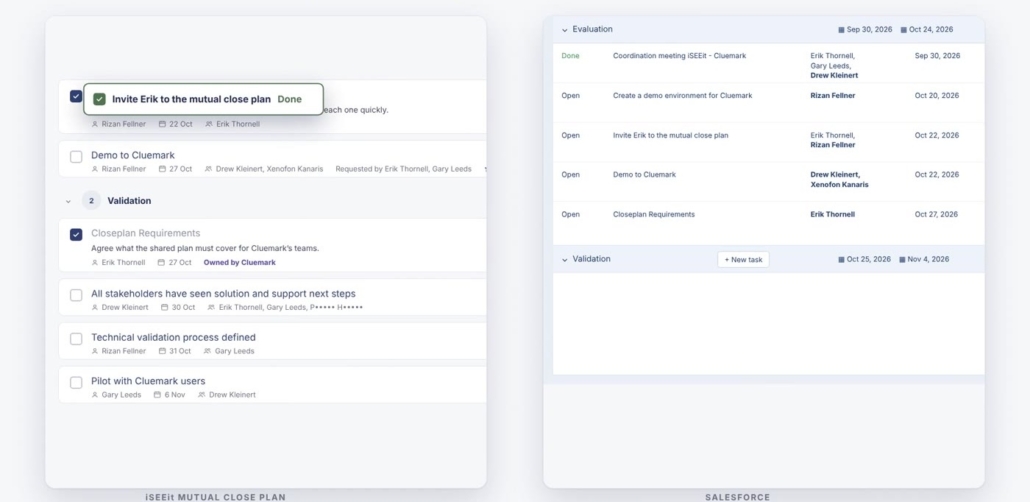
Always in sync, both ways
Work a task in the plan and it syncs to Salesforce. Add a task in Salesforce and it lands in the plan.
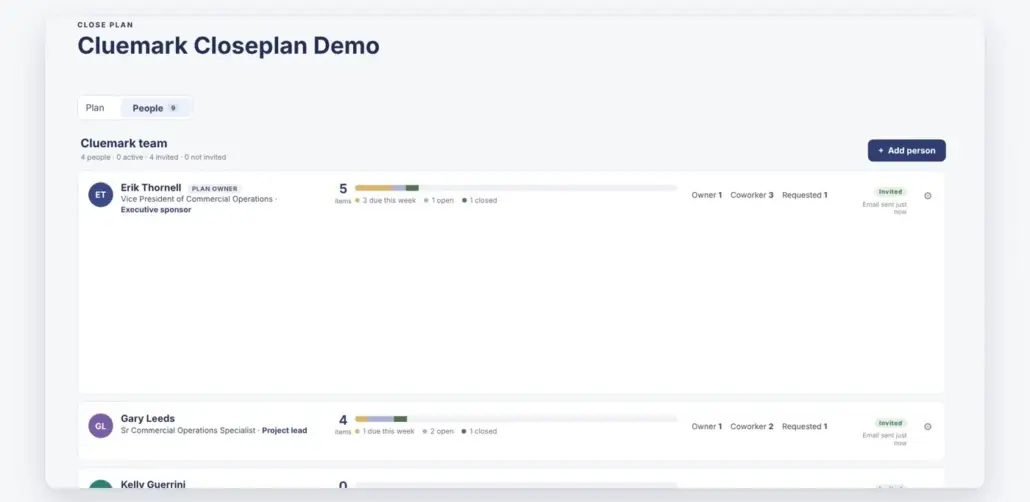
Everyone sees what is theirs
A clear view of who owns what on both teams, with open tasks and progress per person.
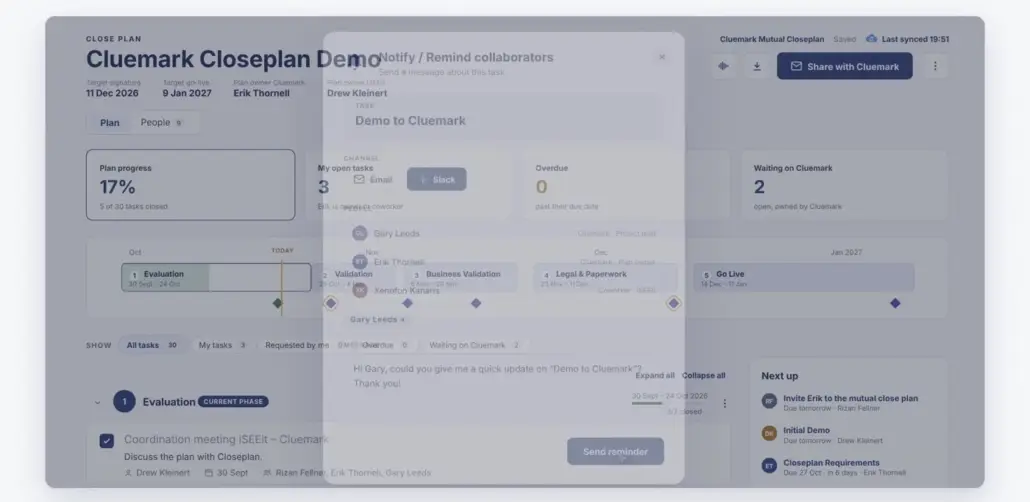
Gentle reminders, no chasing
Notify or remind collaborators in a click, so the next step happens without another follow-up email.
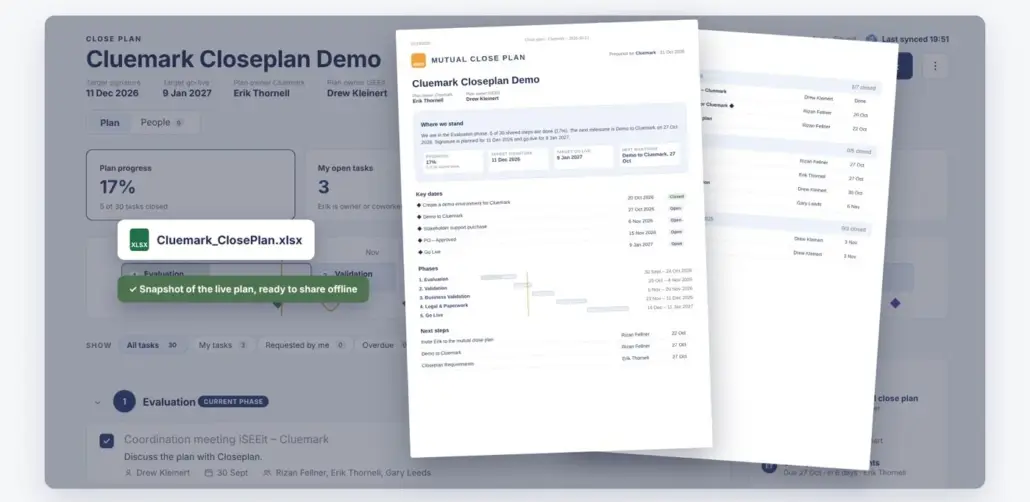
Excel or a polished PDF, in one click
Need it offline or for a steering committee? Export a snapshot of the live plan, ready to share.
Close deals together, not over email
See how Mutual Closeplan works with your own Salesforce setup in a short demo.
We may request cookies to be set on your device. We use cookies to let us know when you visit our websites, how you interact with us, to enrich your user experience, and to customize your relationship with our website.
Click on the different category headings to find out more. You can also change some of your preferences. Note that blocking some types of cookies may impact your experience on our websites and the services we are able to offer.
Essential Website Cookies
These cookies are strictly necessary to provide you with services available through our website and to use some of its features.
Because these cookies are strictly necessary to deliver the website, refuseing them will have impact how our site functions. You always can block or delete cookies by changing your browser settings and force blocking all cookies on this website. But this will always prompt you to accept/refuse cookies when revisiting our site.
We fully respect if you want to refuse cookies but to avoid asking you again and again kindly allow us to store a cookie for that. You are free to opt out any time or opt in for other cookies to get a better experience. If you refuse cookies we will remove all set cookies in our domain.
We provide you with a list of stored cookies on your computer in our domain so you can check what we stored. Due to security reasons we are not able to show or modify cookies from other domains. You can check these in your browser security settings.
Google Analytics Cookies
These cookies collect information that is used either in aggregate form to help us understand how our website is being used or how effective our marketing campaigns are, or to help us customize our website and application for you in order to enhance your experience.
If you do not want that we track your visit to our site you can disable tracking in your browser here:
Other external services
We also use different external services like Google Webfonts, Google Maps, and external Video providers. Since these providers may collect personal data like your IP address we allow you to block them here. Please be aware that this might heavily reduce the functionality and appearance of our site. Changes will take effect once you reload the page.
Google Webfont Settings:
Google Map Settings:
Google reCaptcha Settings:
Vimeo and Youtube video embeds:
Other cookies
The following cookies are also needed - You can choose if you want to allow them:
Privacy Policy
You can read about our cookies and privacy settings in detail on our Privacy Policy Page.